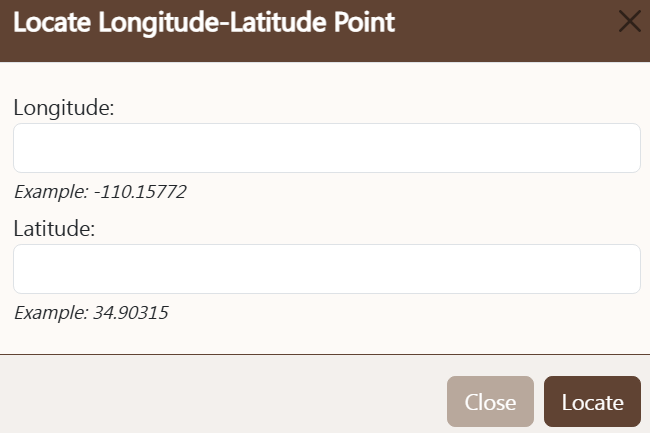
LOCATE LATITUDE AND LONGITUDE CONTROL
The
locate latitude and longitude control is used
to find a user-specified point on the map. Any valid point, within or outside
the County may be located. Be sure to use a minus sign for Longitude west of
the Prime Meridian and a minus sign for Latitude when south of the Equator. To use the
locate latitude and longitude control follow these steps:
- Longitude: enter the desired longitude value. County values will require
a minus (-) sign. At least five decimal palaces will be required to locate
a sign, and four decimals to find a parcel.
- Latitude: enter the desired latitude value. At least five decimal palaces
will be required to locate a sign, and four decimals to find a parcel.
- Locate: pressing this button will locate the specified point and
zoom the map to the coordinate location.
- Cancel: pressing the cancel button will close the locate latitude and longitude control without further
action.